Studio
Browser sources: how the link works
Watch it · 2 videos
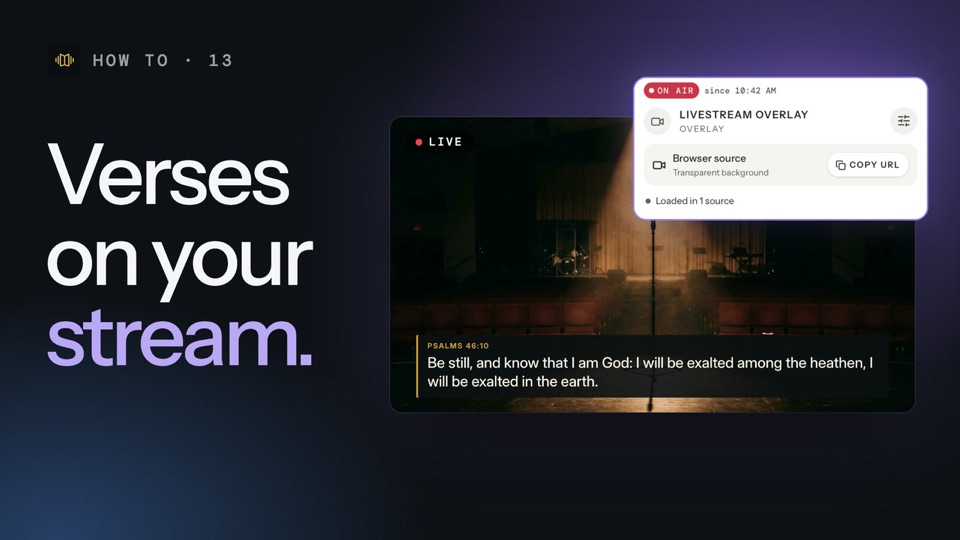
Every output has its own hosted link, of the form taper.synkeet.com/live/your-church/output-name. Paste it into any tool that takes a browser source: OBS Studio, vMix, Streamlabs, or a TV on the network showing a web page.
What the page does
- Renders exactly what the booth sends that output, full-bleed and, for overlays, on a transparent background.
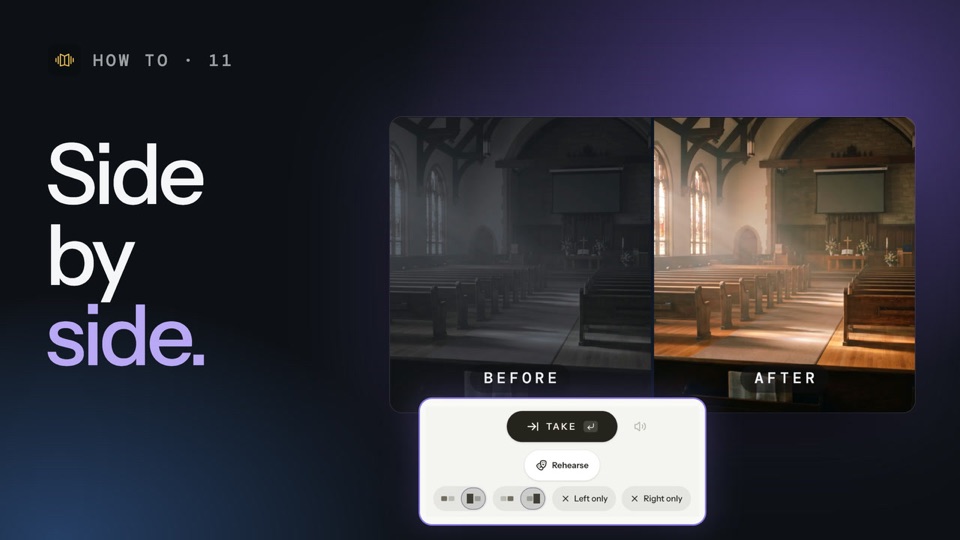
- Shows the room's split screen as a full frame, with the picture beside the verse once Studio has sent it (see Split screen in the booth guide). Until then, or if the picture cannot be loaded, it shows the verse alone.
- Shows nothing at all until a verse is on air, so your video shows through.
- Updates on every take without refreshing, and clears on Reset to idle or Reset all to idle.
- Runs from Synkeet's servers: the computer showing the page needs internet but not Synkeet. Studio must be running in the booth, since it sends each verse.
Each output has its own link, so a livestream overlay and a stage monitor feed can run at the same time in different scenes.
Finding the link
On the output's card in the booth, the Browser source row has Copy URL, and the card's action row has a link button that copies it too. In Admin, Outputs, the Livestream browser source section shows the OBS browser source URL with Copy URL and Open.
Nothing shows
Look at the output's card in the booth first. Under Browser source it says whether any source has the link loaded:
- Loaded in 1 source: a page reported having this link loaded, when the booth last asked. That is all it says: not which program has it, and not that its scene is on program (Studio cannot see either). Check below.
- Not seen in any source since 10:42: a source had it loaded and has stopped answering the booth. It was closed, the streaming computer is off or offline, or, in OBS with Shutdown source when not visible ticked, its scene is not showing.
- Waiting to hear from a source: no source has answered. Check the link is the one in the source. If the source has been open since before sources reported, refresh it.
- No line: the booth itself is offline or in Rehearse, so it cannot hear sources. A booth you have just opened or reloaded has no line for the second or two it takes a loaded source to answer it.
Then:
- Nothing is on air. The page is meant to be empty then; take a verse.
- The output is disabled in Admin, or switched off because it is beyond your plan's output count.
- The link belongs to another output, or the output was renamed: the name is part of the link, so copy it again after a rename.
- The computer running the browser source has no internet.
It is stuck on an old verse
Refresh the source: in OBS, right-click it and choose Refresh cache of current page; in vMix, right-click the input and Reload. Check the streaming computer's connection.
The background is not transparent
Set Background to See-through under Livestream on the output in Admin. In OBS, remove any custom CSS on the browser source; in vMix nothing extra is needed; in Wirecast tick Transparent Background on the Web Page source.
Gatherings in Taper
A host streaming a small gathering from Taper has a separate overlay link (Stream overlay in the share panel) that shows each verse the host sends as a caption. It is unrelated to the church's outputs.